Speed at a glance.
Choose km/h, mph or knots. See the location quality alongside the reading, so you know when the phone has a usable fix.
For iPhone & iPad · iOS 17+
See your GPS speed, save the journey and take your maps offline. GPS Speed keeps your recordings on your device.
Help & supportApp Store release in preparation.
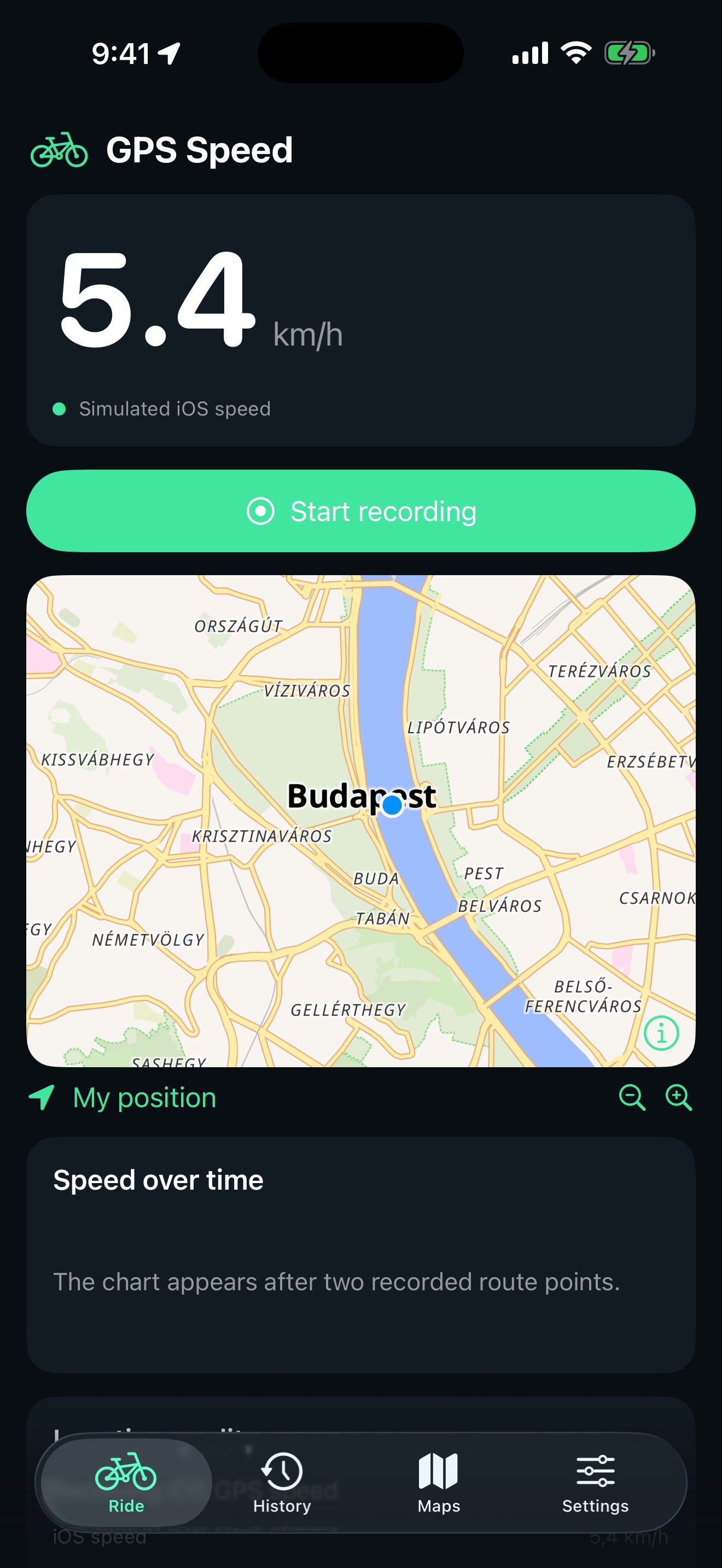
App screenshot · simulated location for demonstration
Made for the journey
Choose km/h, mph or knots. See the location quality alongside the reading, so you know when the phone has a usable fix.
Start, pause and finish a recording. Review your history, export GPX routes and transfer recordings with ZIP backups.
Download an area when you choose to enable network maps. Completed offline maps stay available without a connection.
Help & support
“No speed fix” means the phone has not supplied a fresh usable speed reading. In iOS Settings, enable Location Services and Precise Location for GPS Speed. Test outdoors with a clear view of the sky and allow a few minutes for a fix. Indoor walking can activate motion sensors without providing reliable GPS speed.
No. Speed measurement runs while the app is open and location access is allowed. Start recording saves your journey and enables recording while the screen is locked. Pause or Finish stops background recording. Force-quitting interrupts a recording; reopen the app to recover the saved session.
Network maps are initially off. Enable them in Settings to view online maps or download a selected area. Map providers receive network information and requests for that area. Completed downloads selected in Maps → Saved areas work locally after network maps are switched off.
Export a route as GPX or your complete history as ZIP. Imports validate files before merging and skip recordings already present. Delete recordings in History and maps in Saved areas. Settings can clear temporary export copies without deleting recordings. Copies shared elsewhere and earlier Apple backups are managed separately.
GPS ground speed differs from airspeed. Outside pressure and temperature are standard-atmosphere estimates from fresh altitude. A supported phone barometer measures pressure around the phone, including cabin pressure. These values are informational and are not certified flight instruments.
All app features are free, with no ads, subscription or in-app purchase. Your recordings are stored on your device. Optional network maps contact third-party map services. Read the privacy policy for the details.
Email gabor@walterscube.com with your iPhone model, iOS version, app version and a short description. Please avoid sending precise routes or other personal data unless needed for your request.